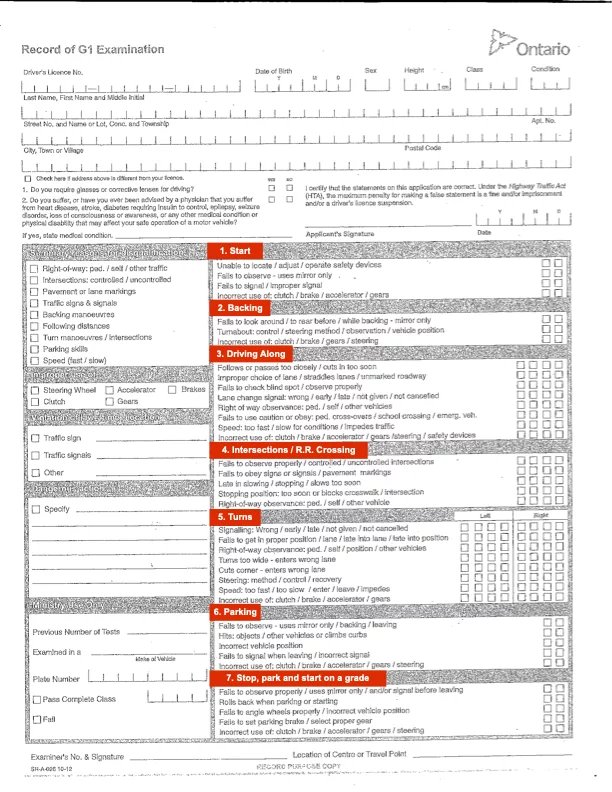
Are Backup Cameras & ADAS Allowed on the DriveTest? (2026 Rules)
Published
Almost every car built in the last few years has advanced driver assistance systems (ADAS), a backup camera, lane-keep assist, blind-spot monitors. So what happens when you bring one to your Ontario G2 or G road test? Can you use those features, or will the examiner mark you down for leaning on them?
Contents
Backup Cameras: The "Do Not Stare" Rule
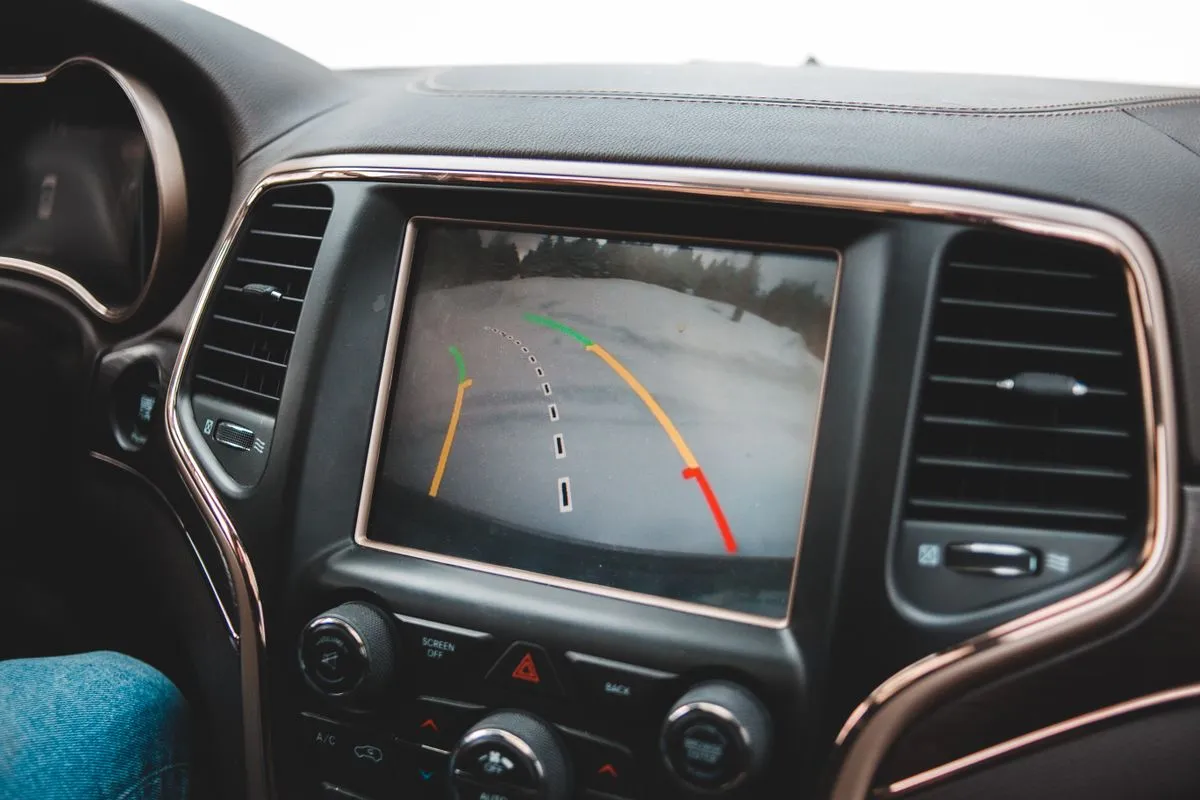
Backup cameras have been mandatory on new vehicles for years, and DriveTest examiners know this. You will not be penalized simply for having a backup camera, nor will the examiner ask you to tape over the screen.
However, the examiner is testing your driving ability, not your car's technology. When performing a parallel park, three-point turn, or reverse park, you must follow traditional observation rules:
What NOT to Do
- Do not stare continuously at the center console screen while reversing.
- Do not back up using only the camera and your side mirrors.
- Do not assume the camera sees everything (cameras have blind spots too).
What You MUST Do
- Perform a full 360-degree visual check before moving.
- Physically turn your body and look out the rear window while reversing.
- You may glance quickly at the camera screen to verify your distance, but your primary focus must be out the windows.
The Consequence: If an examiner notices you are exclusively watching the screen, they will deduct points for "improper observation." If a pedestrian walks behind the car and you don't see them because you weren't looking out the window, it's an instant failure and intervention.
Lane Departure Warnings & Lane Keep Assist
Many modern vehicles will beep, vibrate the steering wheel, or actively steer you back into the lane if you drift. While these features are fantastic for daily safety, they can be problematic on a road test.
If your car actively steers for you (Lane Keep Assist) and fights your steering inputs, it shows the examiner you are not in full control of the vehicle. You must demonstrate that you can maintain lane positioning naturally.
Blind-Spot Monitoring Systems
Those little orange lights in your side mirrors are incredibly helpful. Are you allowed to use them? Yes, but just like the backup camera, they do not replace manual shoulder checks.
- When changing lanes on a G or G2 test, you must still physically turn your head to check your blind spot.
- If you signal, wait for the light to turn off, and merge without checking over your shoulder, you will lose points for "failure to check blind spot."
Automated Parking Features (Don't Use Them)
This is where examiners draw a hard line. If your vehicle has a self-parking feature (where the car steers itself into a parallel or reverse parking spot), you absolutely cannot use it.
The road test is designed to assess your own ability to maneuver a vehicle in tight spaces, so using a self-parking system defeats the purpose. In our instructors' experience examiners expect you to park the car yourself, and relying on automation here can cost you the maneuver. Park it manually.
How to Prepare Your Tech for the Examiner
Before you pull out of the DriveTest parking lot, take 30 seconds to set the car up:
- Turn off unnecessary audible alarms: Silence lane departure beeps and overly sensitive forward collision warnings if safe to do so.
- Keep the screen dim or off: If your infotainment screen is massive and distracting, consider turning the display off until you actually put the car in reverse.
- Communicate: If your car has a quirk (e.g., "The car beeps loudly when put in reverse, but I am in full control"), it doesn't hurt to politely inform the examiner so they aren't startled.
Master Driving with Rajput Driving School
Our instructors train you in modern vehicles equipped with the latest safety features, and we teach you to use them without leaning on them: mirrors and a shoulder check first, every time, because that is what the examiner marks. Take your test in a car with a backup camera or lane assist and that habit is what keeps the technology from costing you marks.
Frequently Asked Questions
Quick answers about ADAS and the DriveTest
In our instructors' experience, examiners watch your eyes and head movement to confirm you're checking your mirrors and blind spots rather than relying on the backup screen. If you stare at the screen instead of looking back, you can lose marks for observation.
If your car has to brake automatically to prevent a collision, it usually means you didn't react to the hazard in time. In our instructors' experience, failing to respond to a hazard yourself is a serious error examiners watch for. Treat automatic braking as a last-resort backup, not something to lean on during the test.